

Vondera Wingezz Integration
Seamlessly integrate your Vondera store with Wingezz shipping platform. Automatically send orders to your Wingezz dashboard when customers place orders in your Vondera store.
Vondera Store
Automatic Order Sync
Shipping Integration
Integration Guide
Follow these simple steps to integrate Wingezz with your Vondera store
Access Vondera Dashboard
Login to your Vondera dashboard with your store credentials.
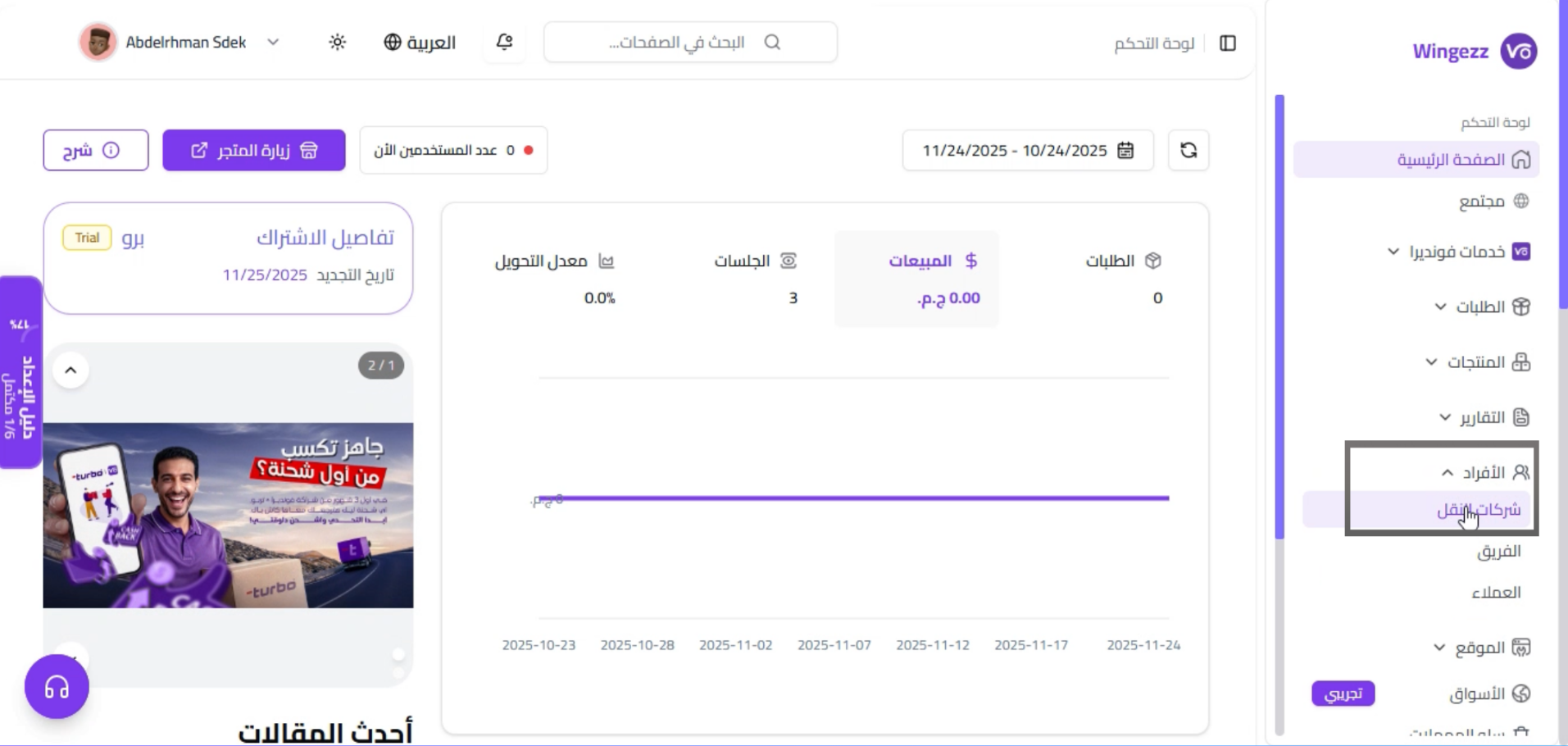
Navigate to Settings
From your Vondera dashboard, navigate to the Settings section to configure your store integrations.
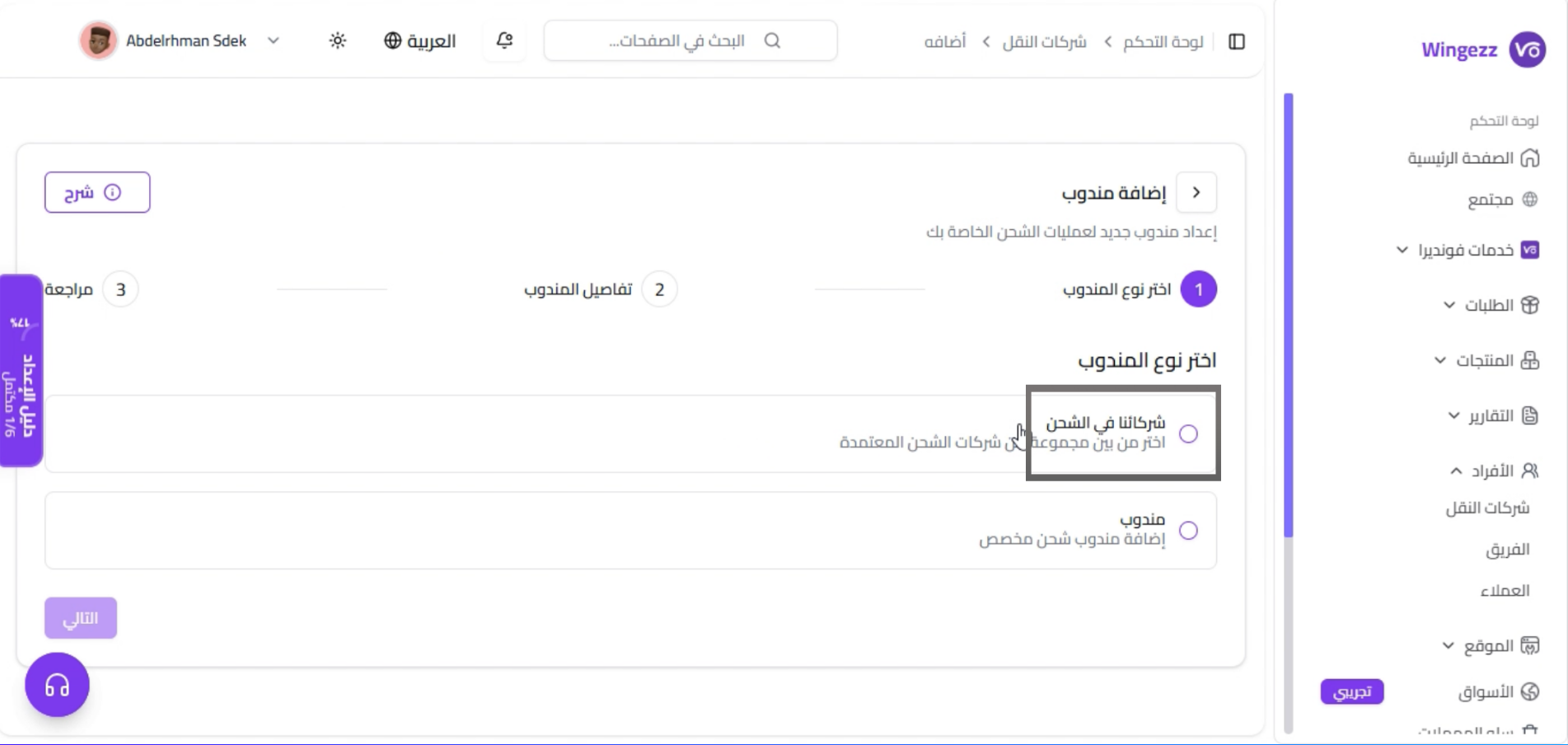
Go to Shipping Settings
In the Settings page, click on Shipping Settings to configure your shipping integrations.
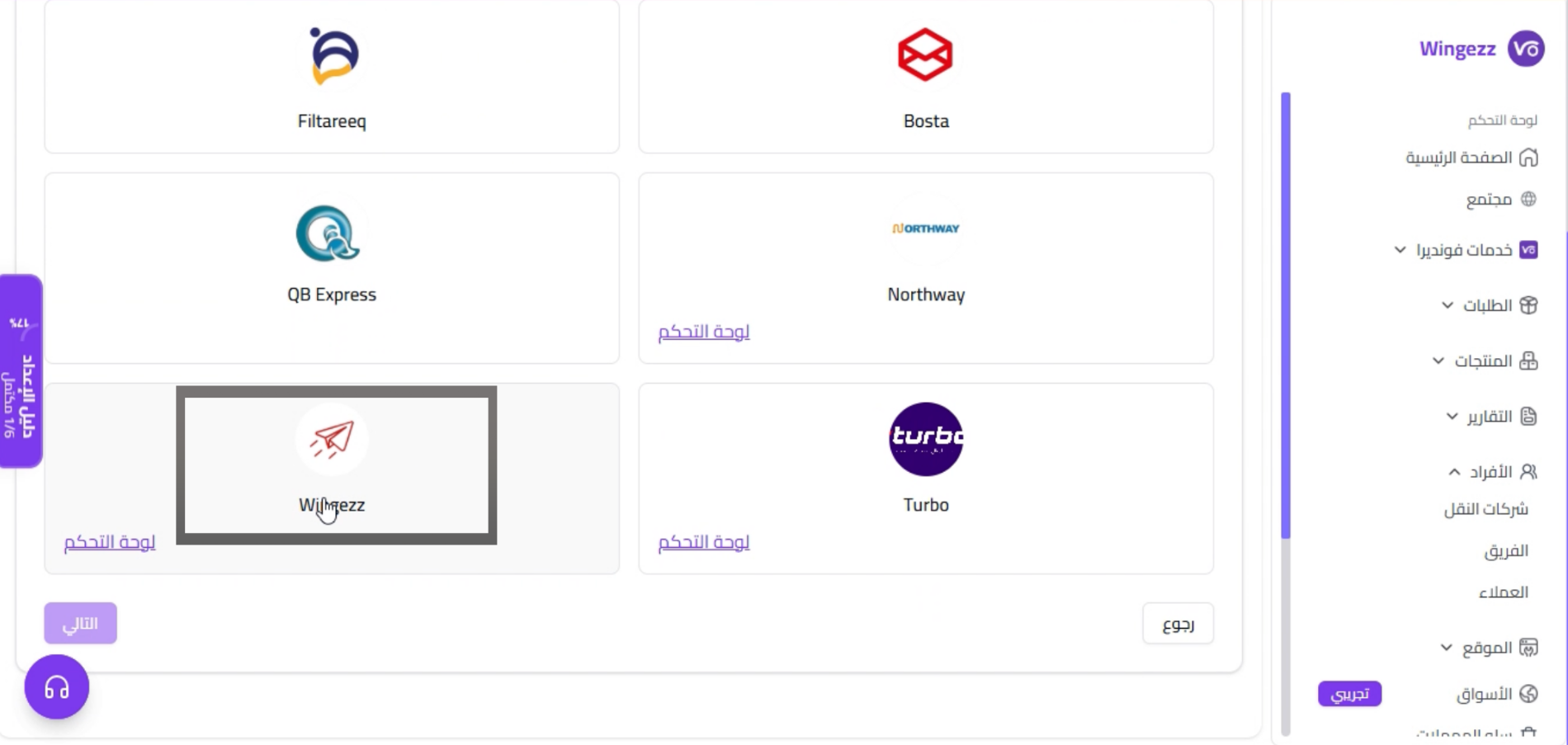
Select Wingezz Integration
From the list of available shipping providers, select Wingezz to configure the integration.
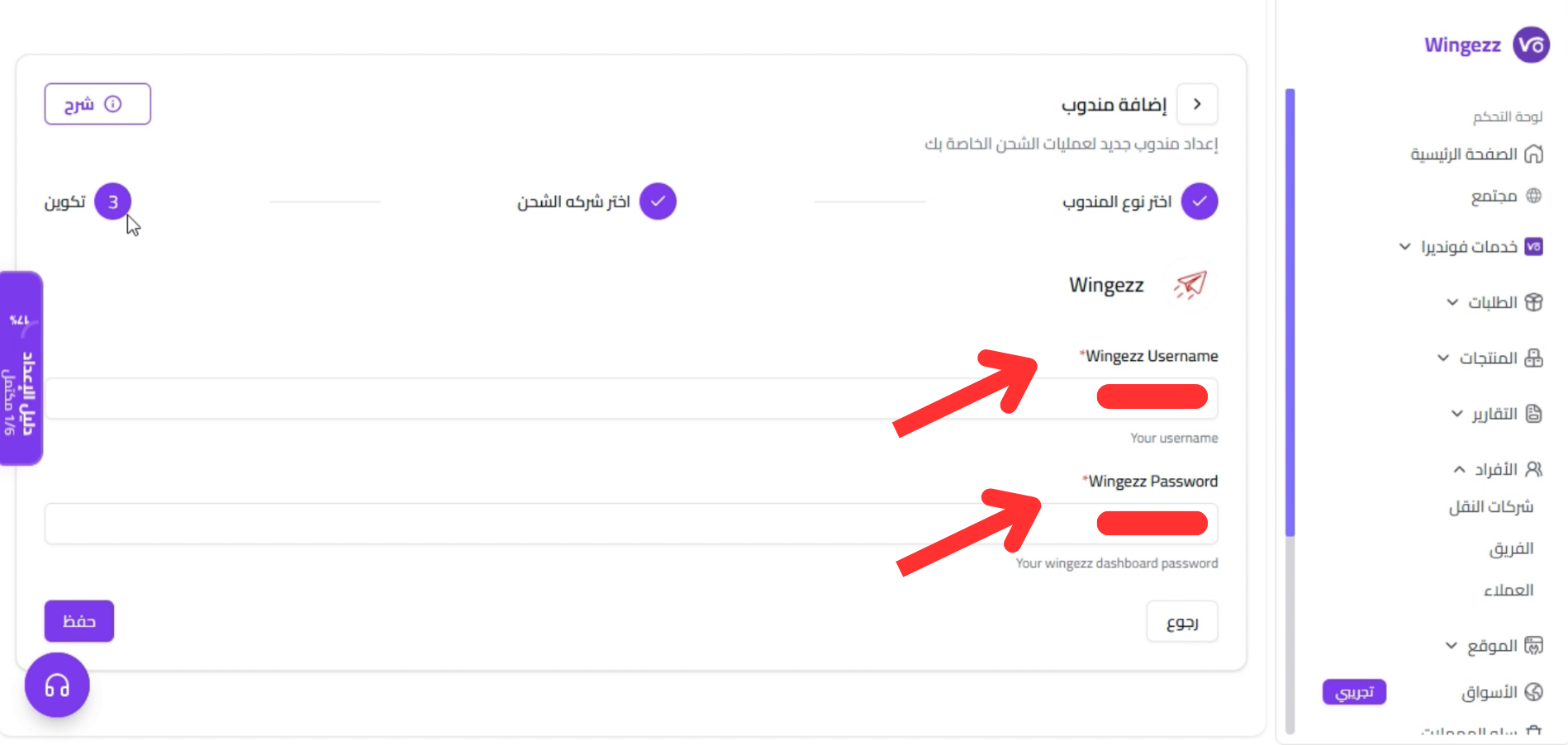
Enter Your Wingezz Credentials
Enter your Wingezz account username and password in the integration settings. These credentials are used to authenticate and send orders to your Wingezz dashboard.
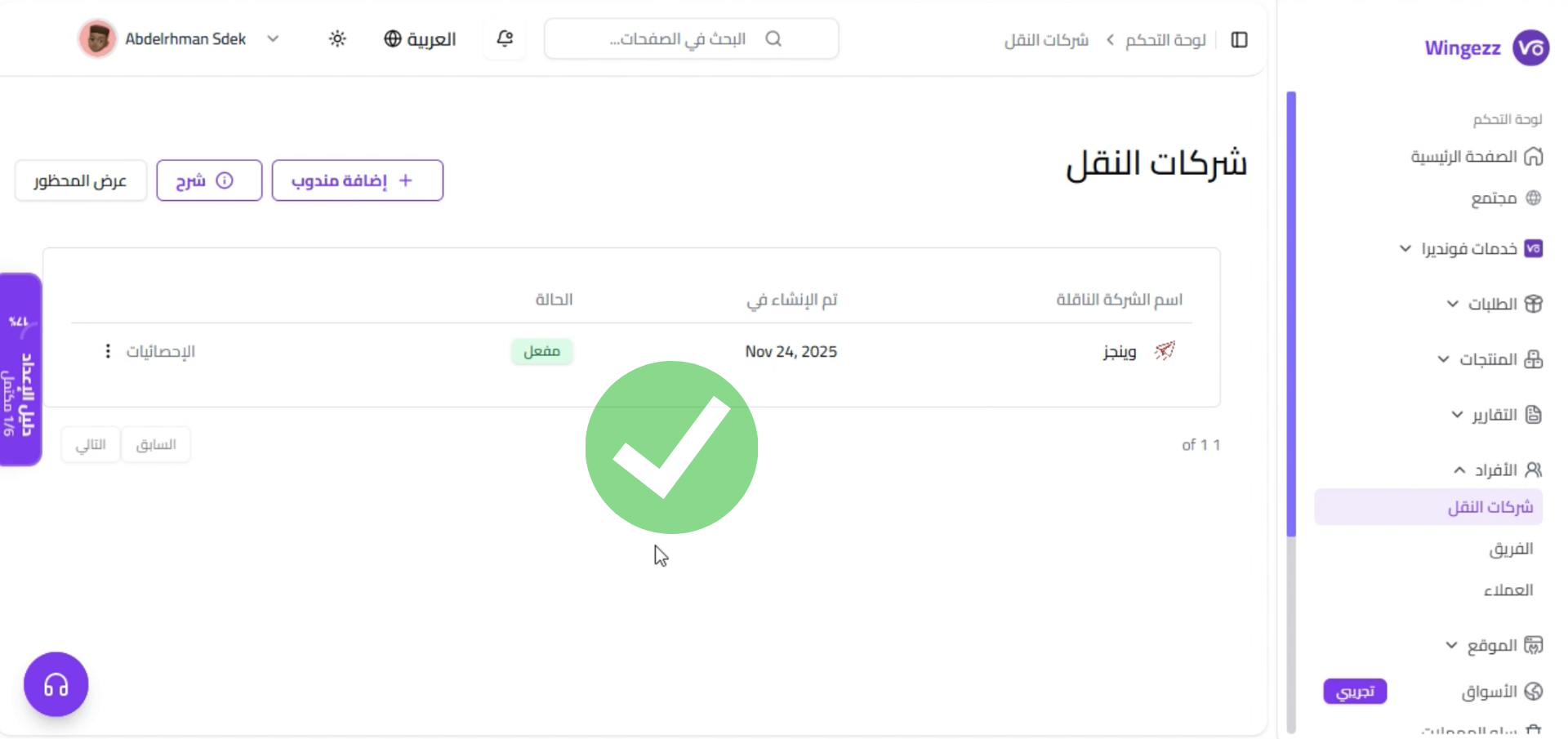
Integration Complete
Once configured, all new orders created in your Vondera store will be automatically sent to your Wingezz dashboard. You can view and manage these orders from your Wingezz account.
Easy Setup
Automatic Sync
Real-time Updates
Order Management