

Shopify Wingezz Integration
Seamlessly integrate your Shopify store with Wingezz shipping platform. Automatically send orders to your Wingezz dashboard when customers place orders in your Shopify store.
Shopify Store
Automatic Order Sync
Order Tracking
Integration Guide
Follow these simple steps to integrate Wingezz with your Shopify store
Access Shopify Admin
Login to your Shopify admin dashboard with your store credentials.
Navigate to Settings
From your Shopify admin dashboard, click on Settings from the bottom left menu.
Go to Shipping and Delivery
In the Settings page, click on Shipping and delivery to configure your shipping options.
Add Custom Shipping Rate
Scroll down to the Custom shipping rates section and click on Add rate to create a new shipping option.
Configure Shipping Rate
Enter a name for your shipping rate (e.g., "Wingezz Shipping") and set the price. You can also add conditions based on order weight or price.
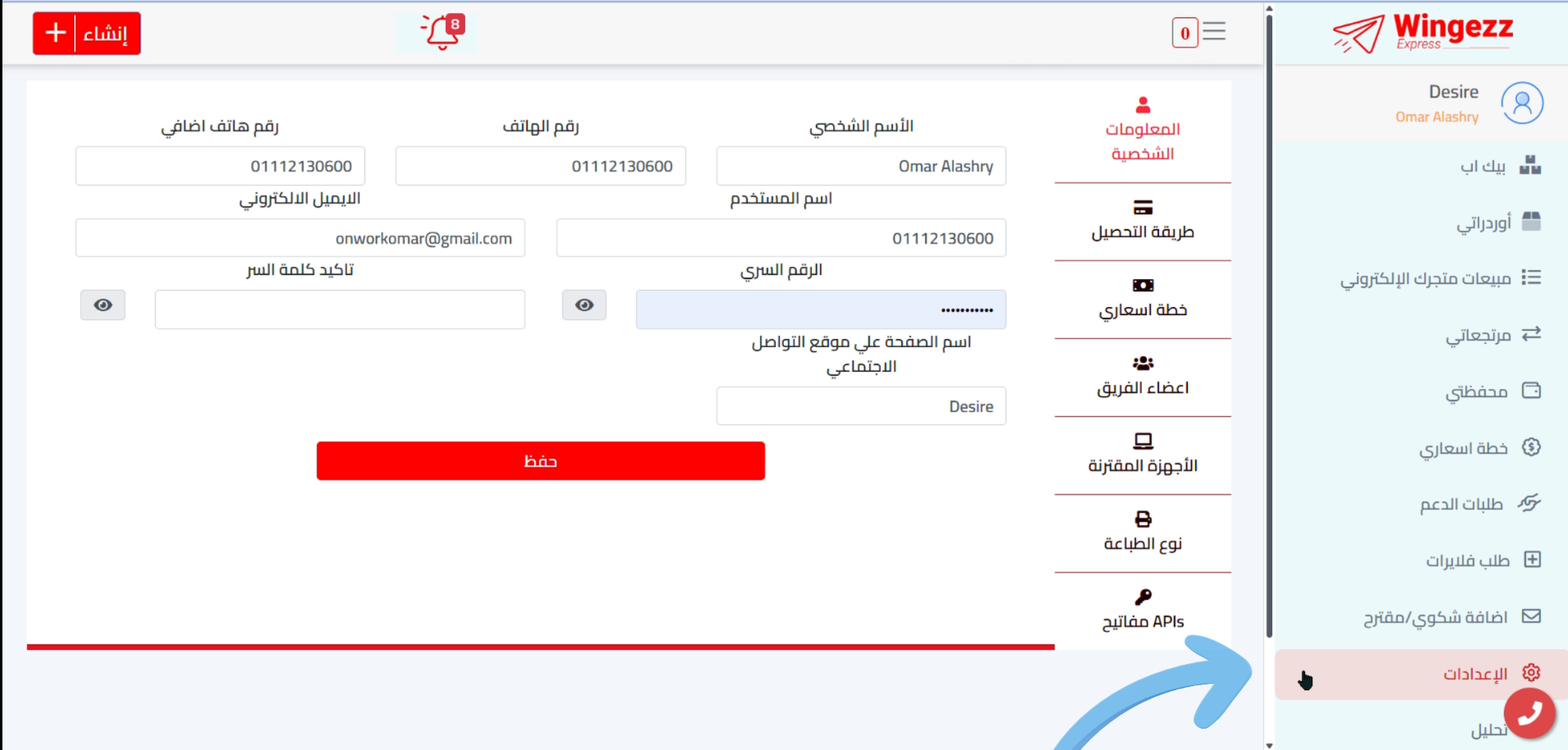
Install Wingezz App
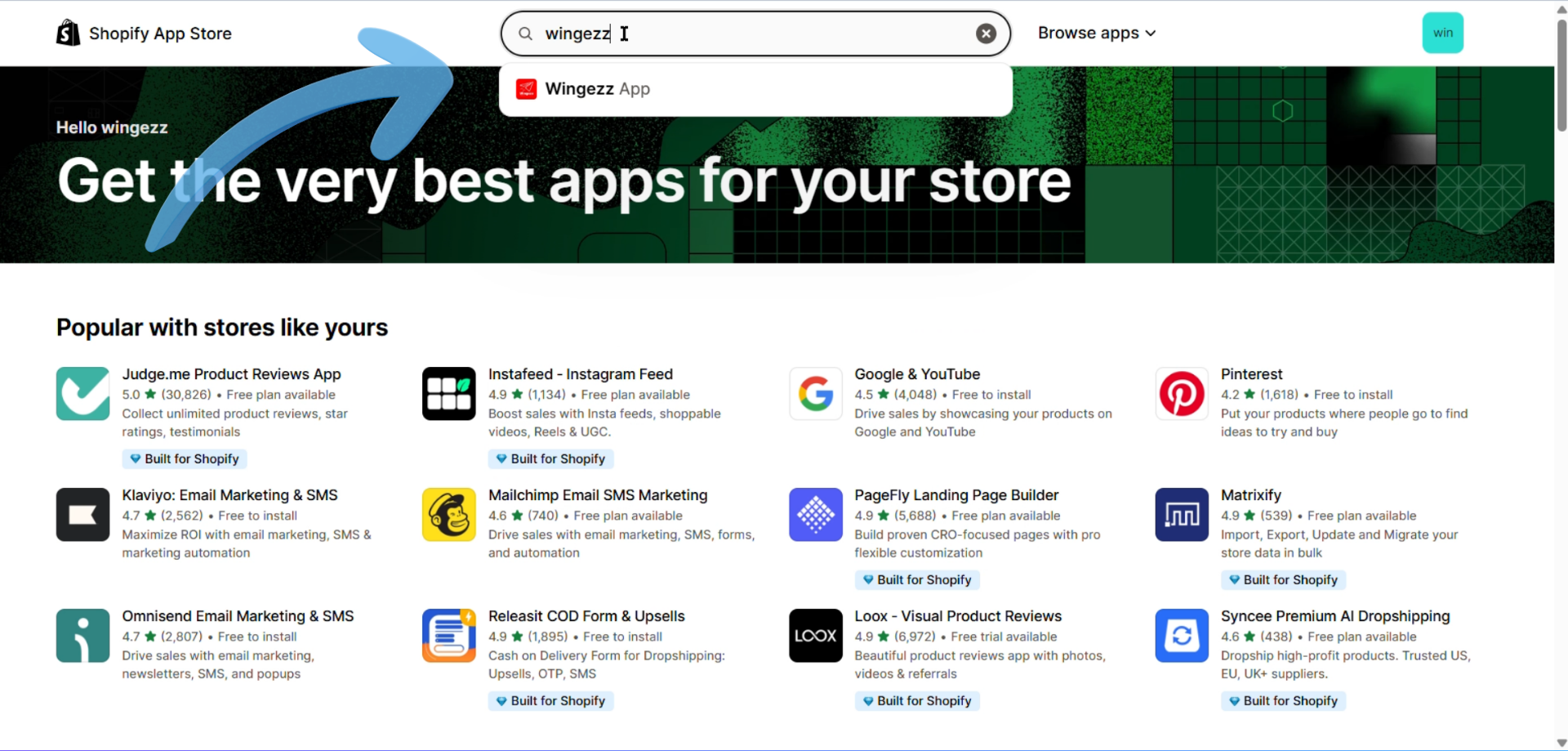
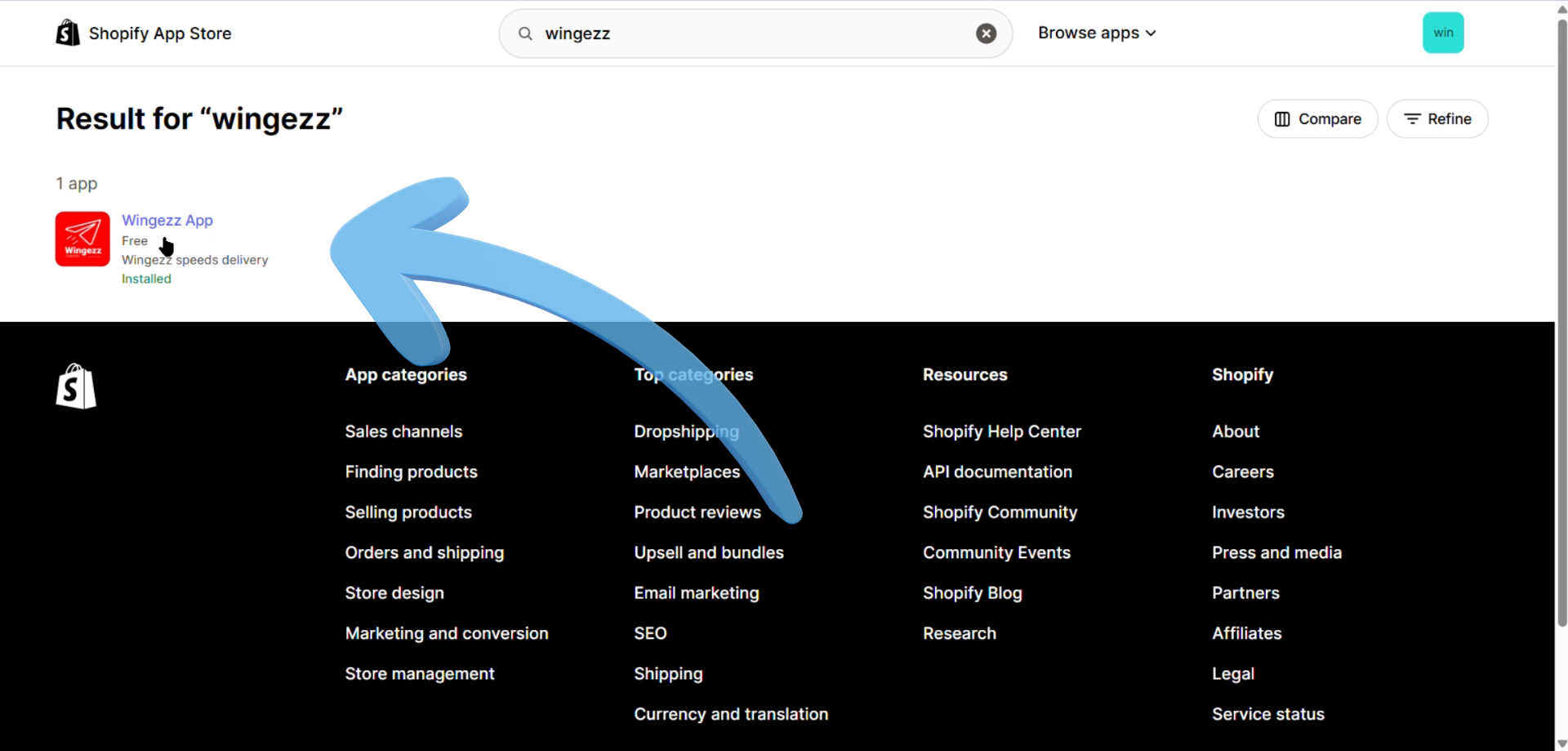
Go to the Shopify App Store and search for "Wingezz" or navigate to the Wingezz integration app page.
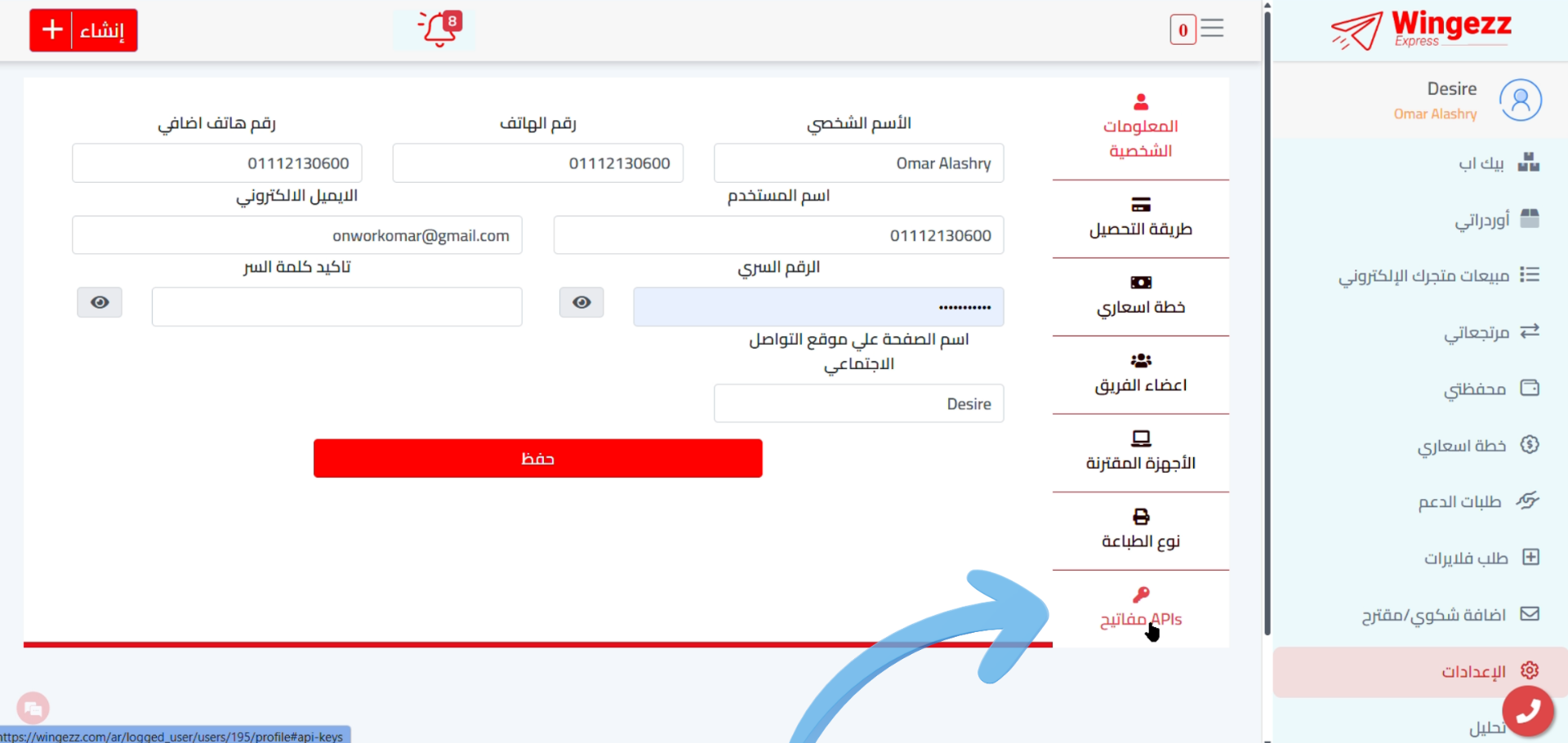
Add Wingezz App to Store
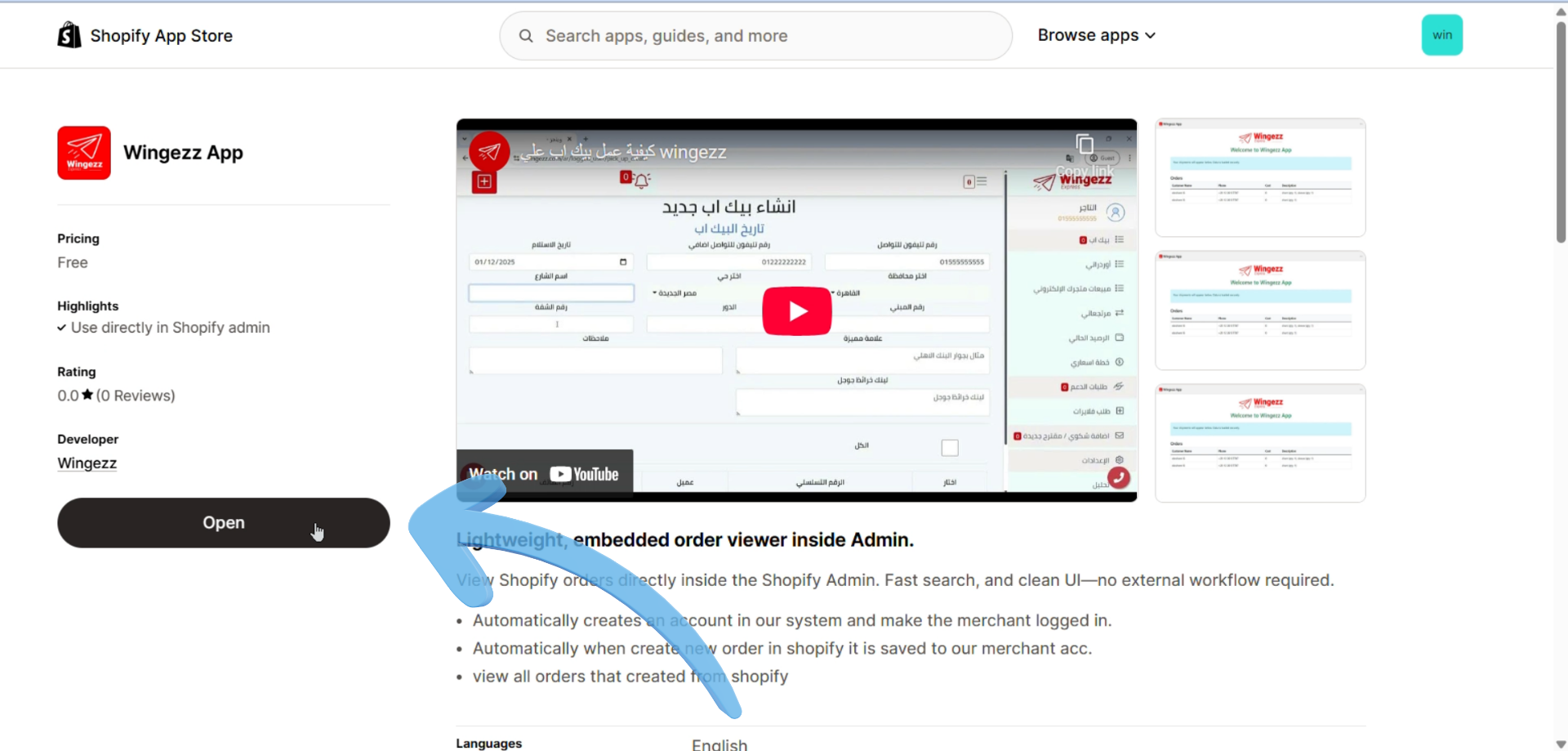
Click on "Add app" to install the Wingezz integration app to your Shopify store.
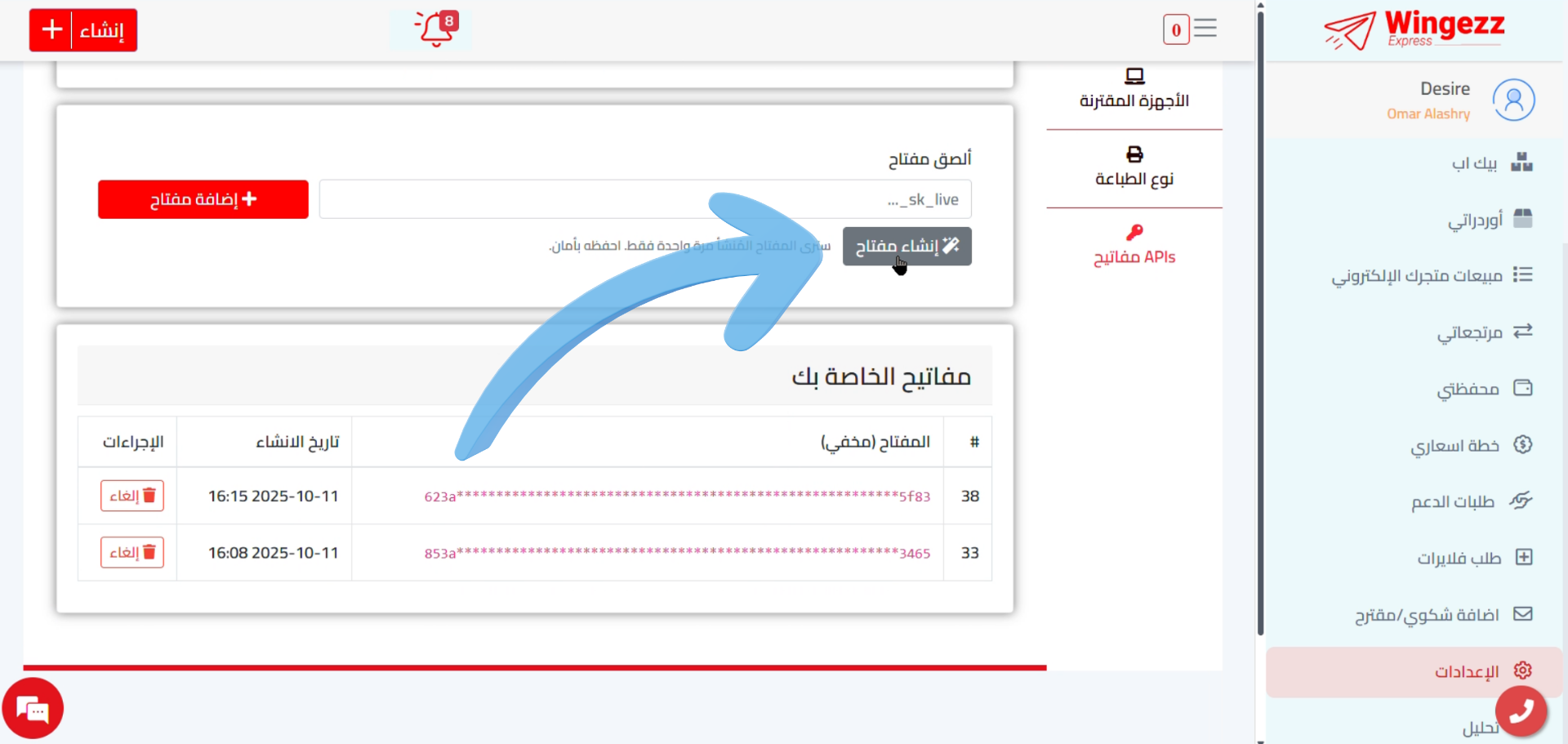
Authorize the App
Review the permissions requested by the Wingezz app and click "Install app" to authorize the integration.
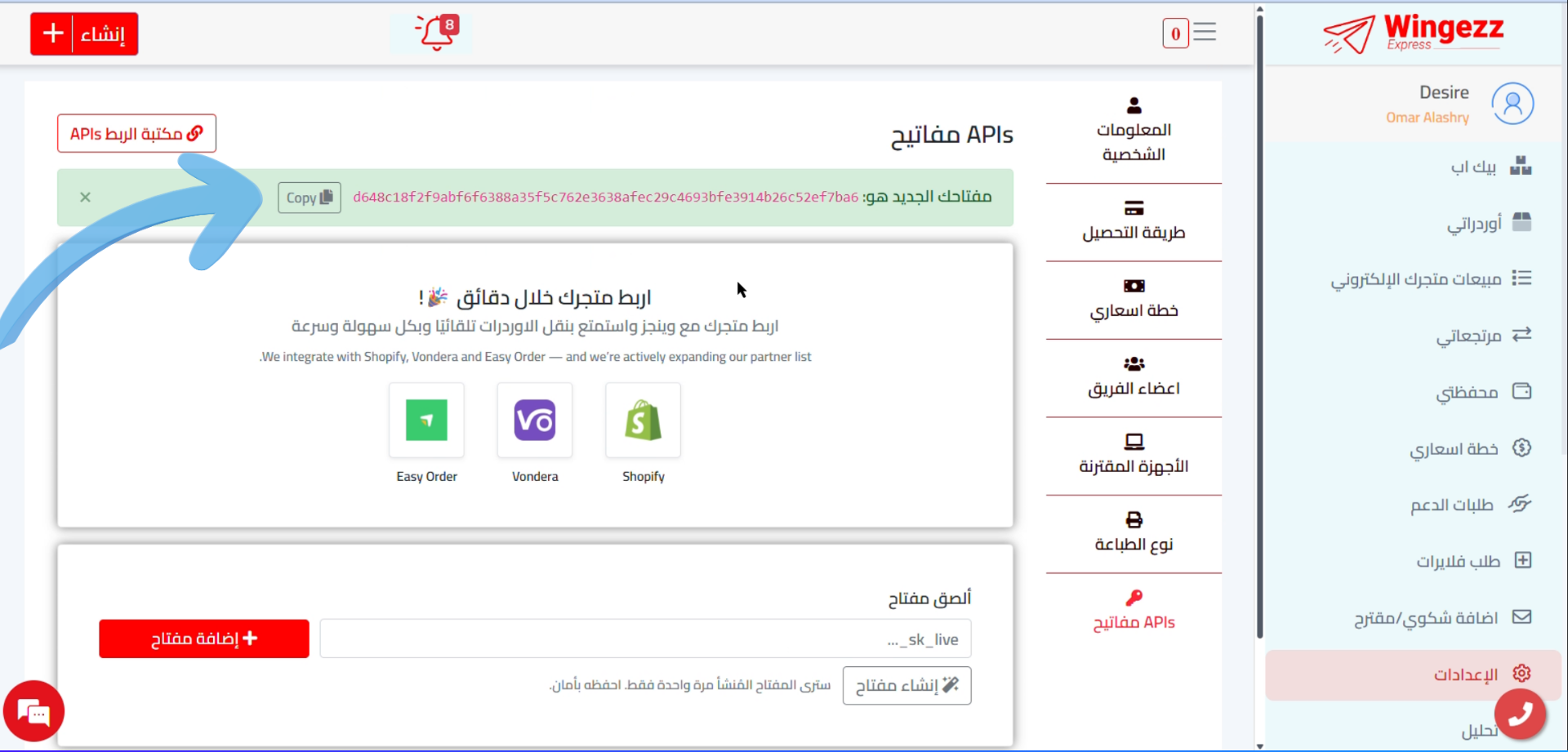
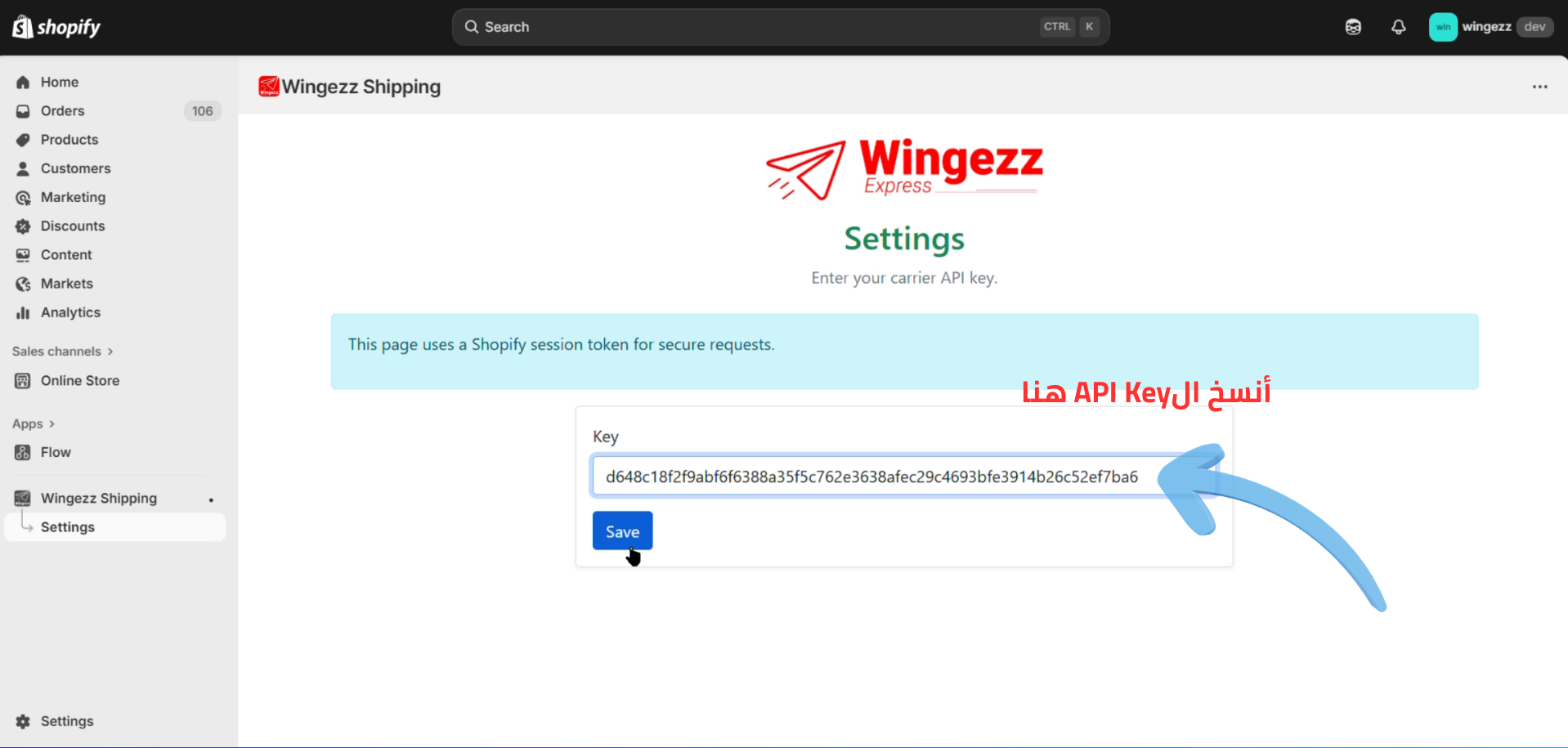
Enter Your Wingezz Credentials
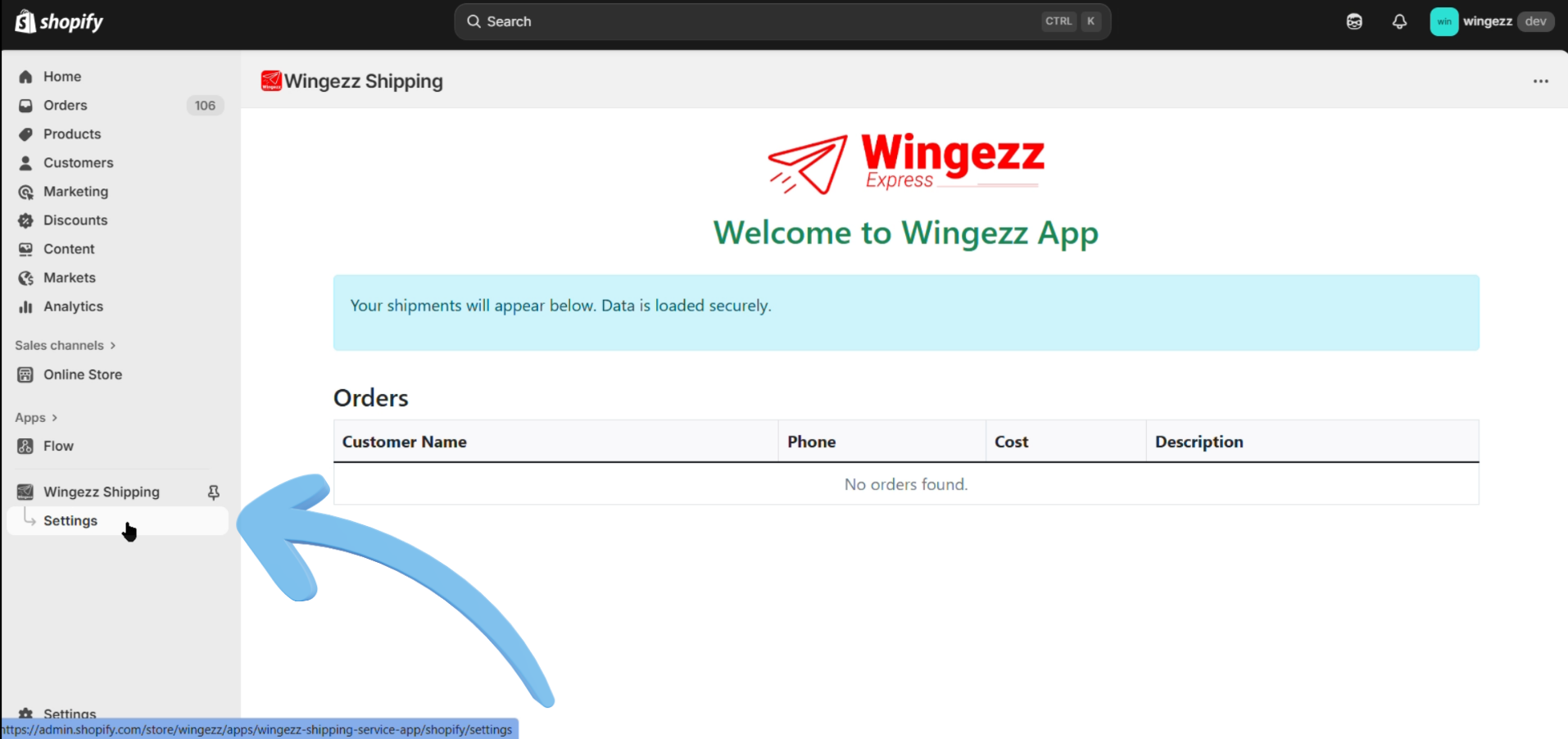
Enter your Wingezz account username and password in the app settings. These credentials are used to authenticate and send orders to your Wingezz dashboard.
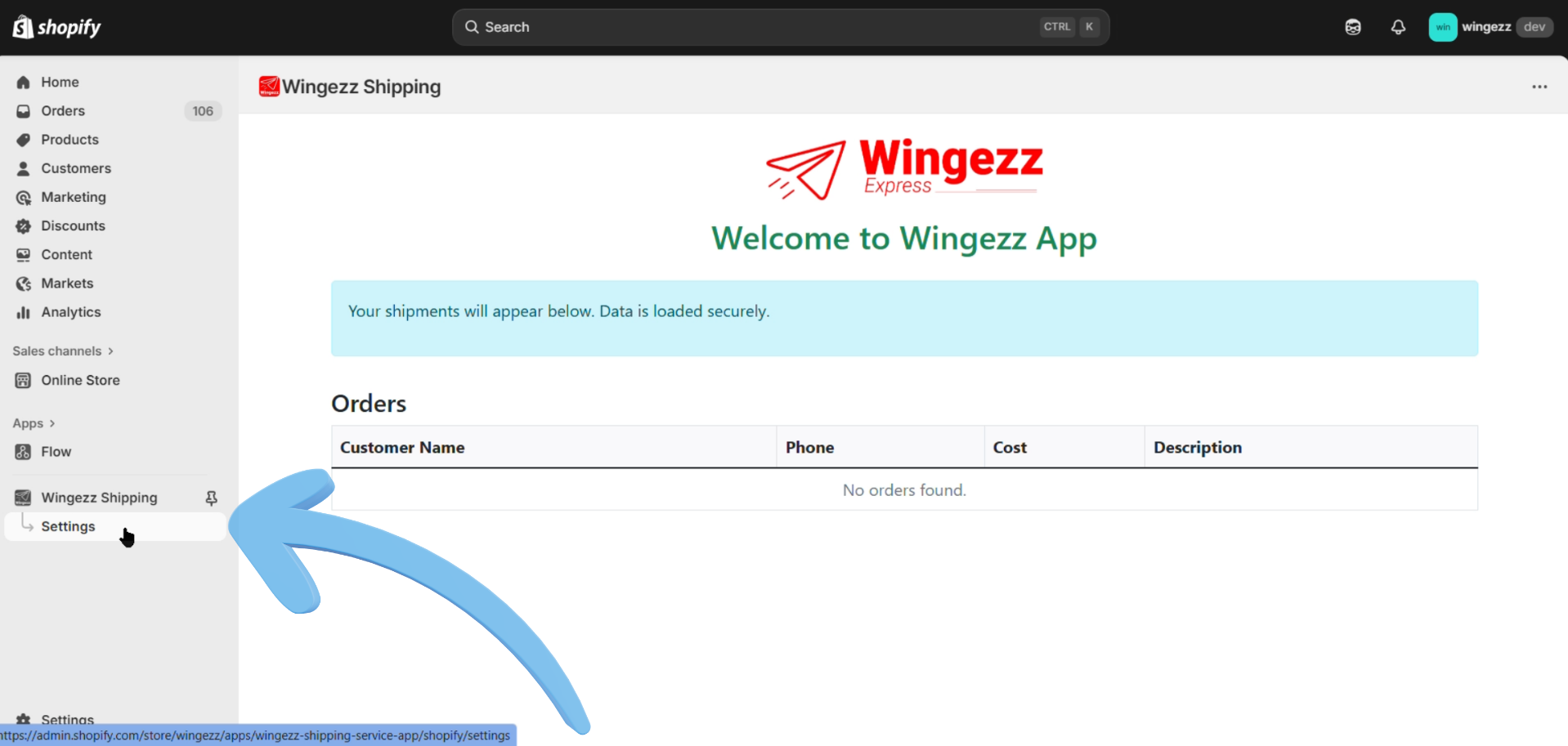
Configure Integration Settings
Configure additional settings such as order status mapping, automatic order creation, and notification preferences.
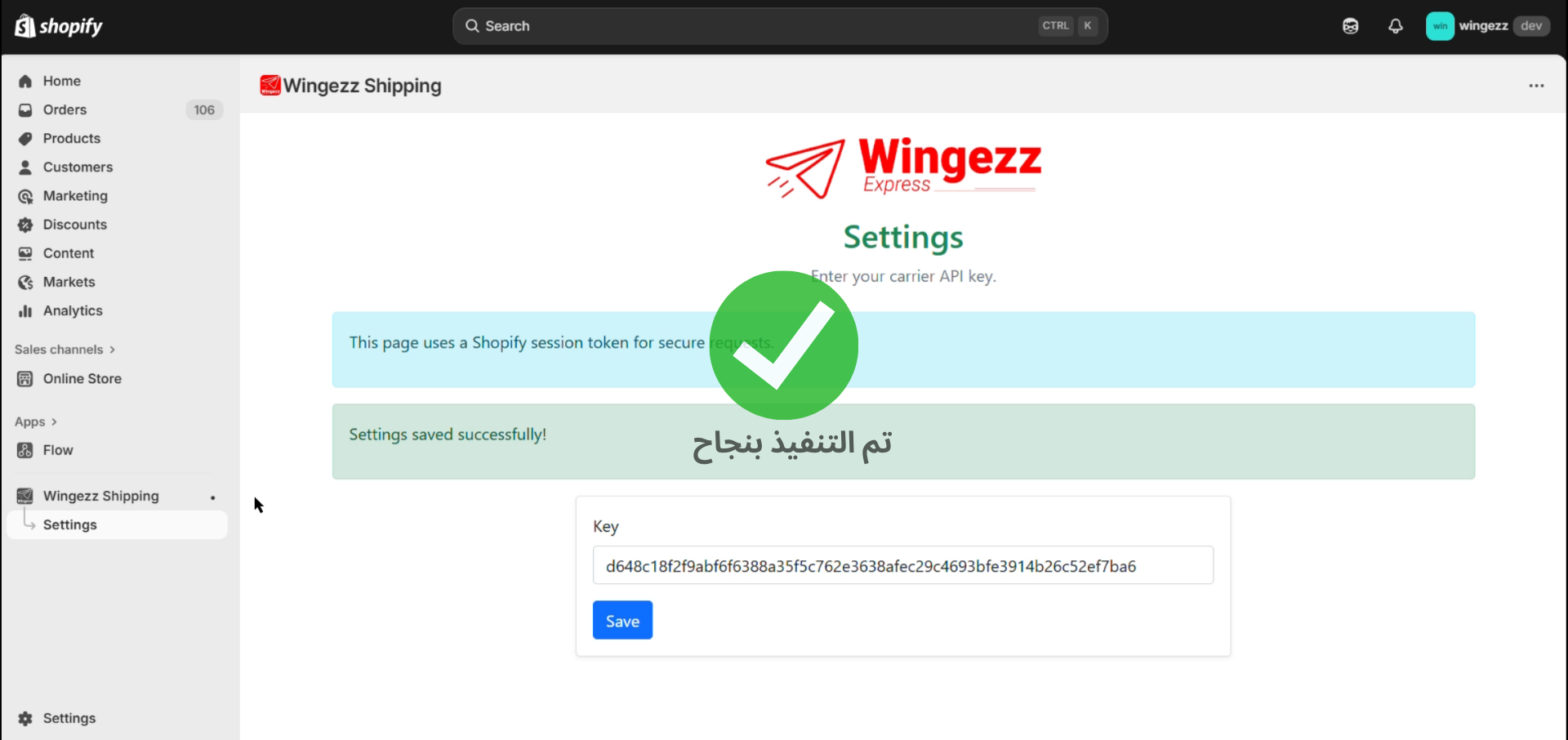
Orders Are Automatically Sent to Wingezz
Once configured, all new orders created in your Shopify store will be automatically sent to your Wingezz dashboard. You can view and manage these orders from your Wingezz account.
Available on Shopify App Store
You can also get the Wingezz Integration App from the Shopify App Store. Search for "Wingezz Integration" in the Shopify app directory.
Easy Installation
Automatic Sync
Real-time Updates
Order Tracking